


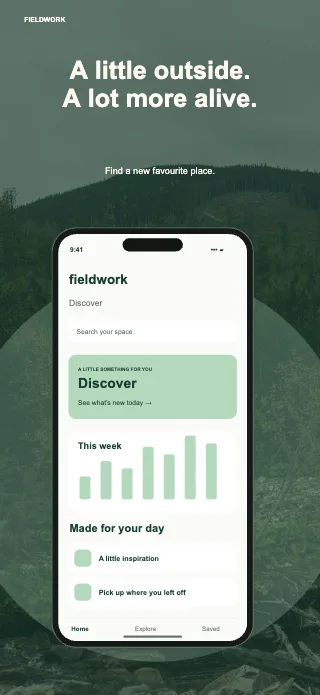
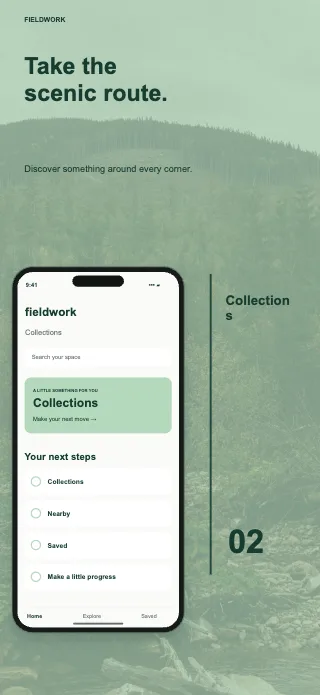
Fieldwork
FreeEarthy, considered layouts for travel and lifestyle.
Create professional App Store screenshots without Figma or Photoshop. Upload your app screens, customise device frames, backgrounds and text, then export images ready for App Store Connect.
5 free templates · No account required
Premium collections £3.99 each. No subscription.
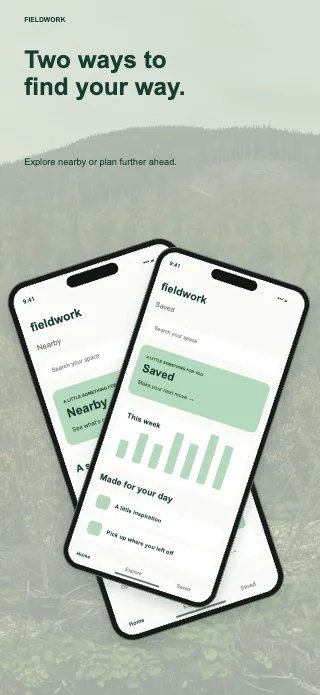
Actual template previews. Your app screens go here.
Try changing the headline below. In the editor, linked text, colours and fonts carry across your device versions. Keep crops and screenshots specific to each platform.
Illustration of linked editing. Every format remains adjustable; Wear OS stays independent.
Start with a coordinated six-page collection instead of arranging every screen from scratch. Choose a visual direction that suits your app, then replace the example content with your own. Backgrounds, colours, typography, device frames and crops remain editable, so a template is a starting point rather than a fixed image.
Earthy, considered layouts for travel and lifestyle.
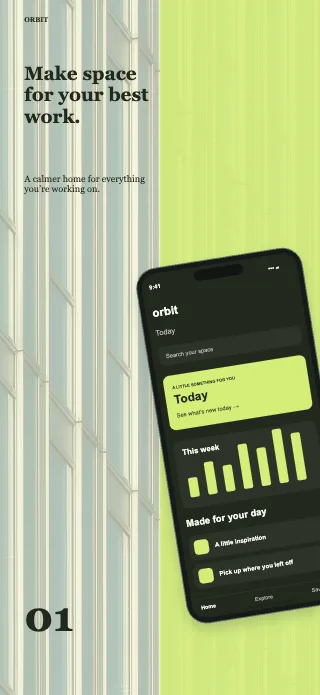
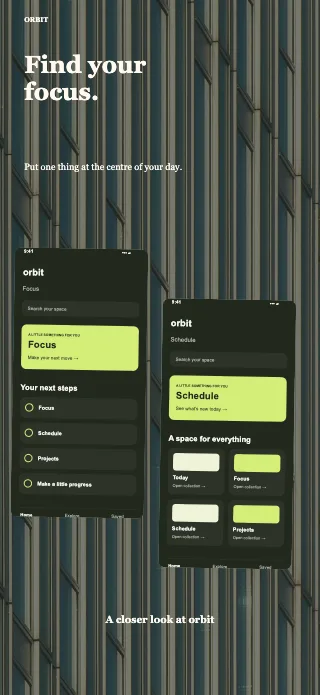
Confident type and electric lime for focused tools.
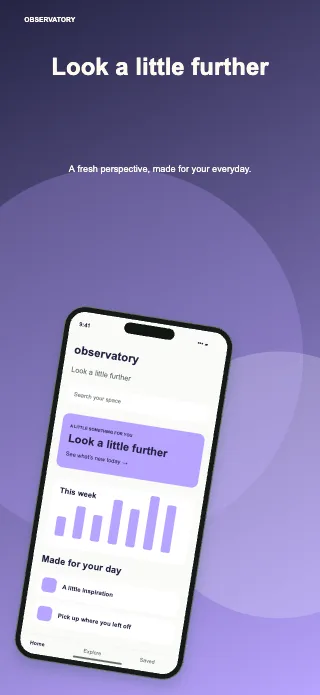
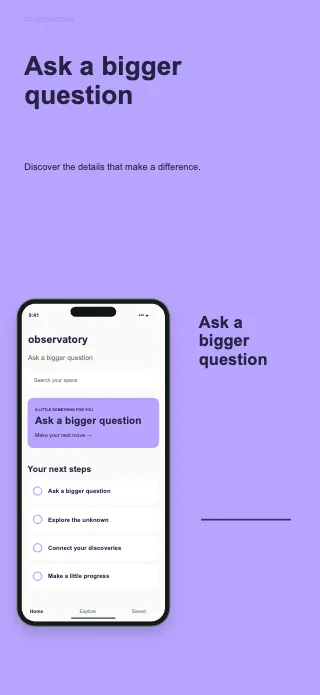
Cosmic gradients for curious minds.
Fifteen individual art directions. Six editable pages in every collection. Buy a design for £7.99 and it is permanently taken off sale—yours to customise and use.
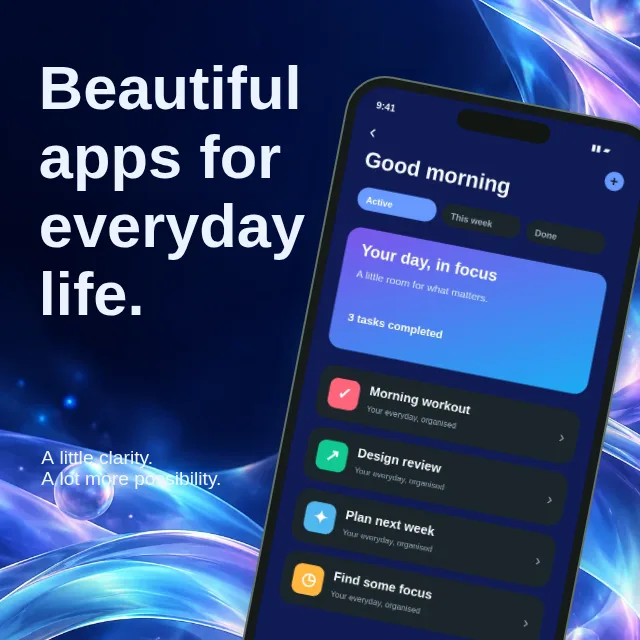
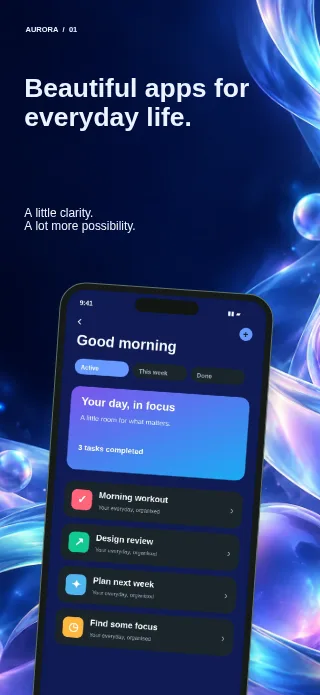
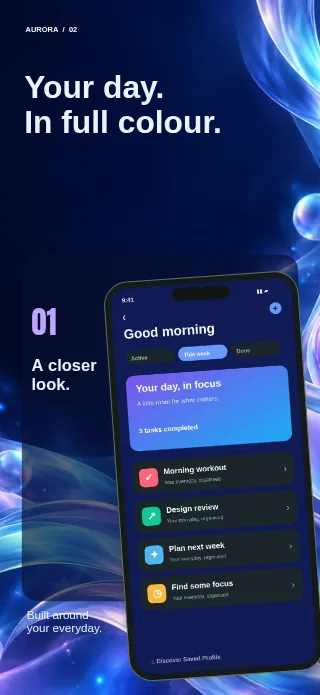
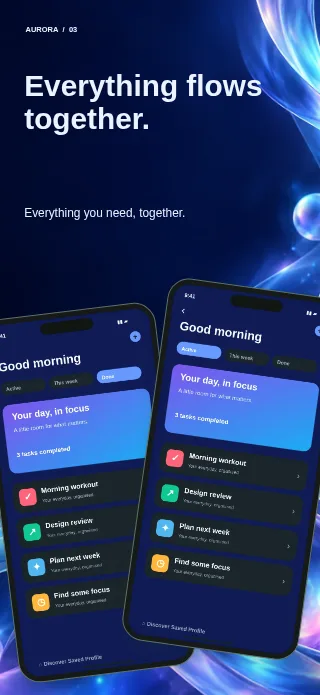
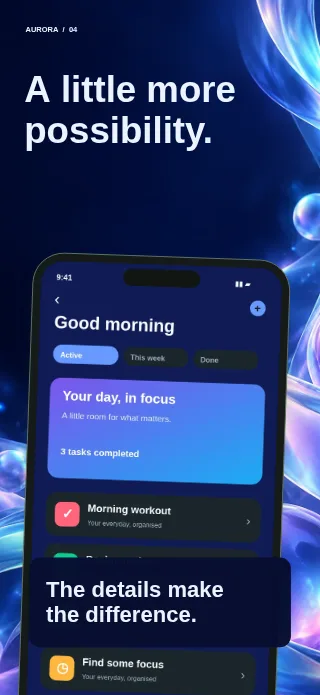
Luminous violet glass, electric blue light and floating translucent cards.
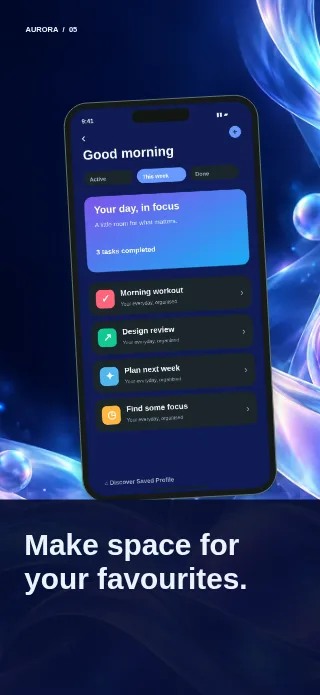
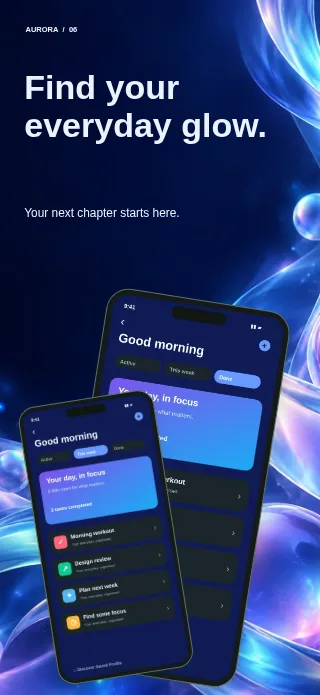
One buyer · Six pages · No subscription
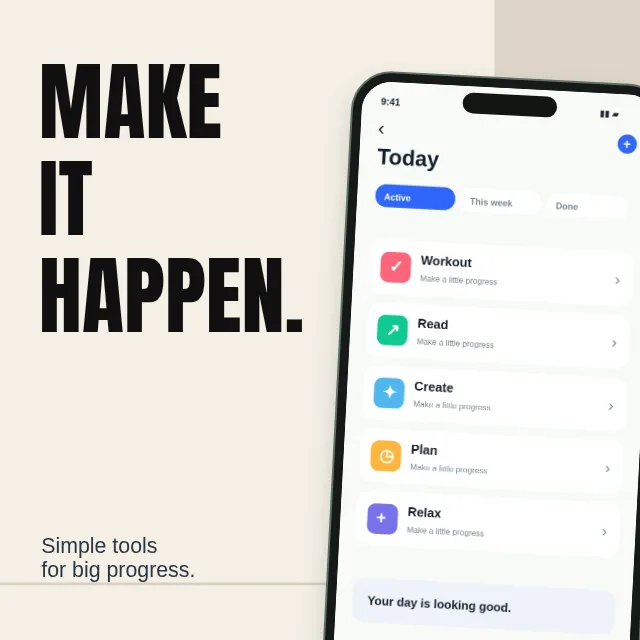
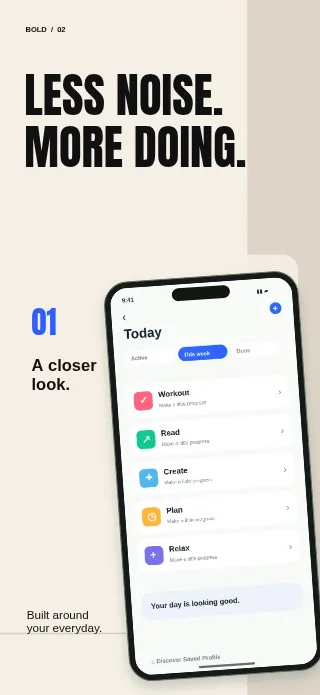
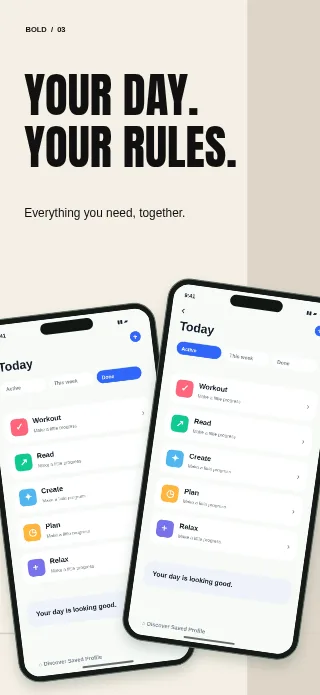
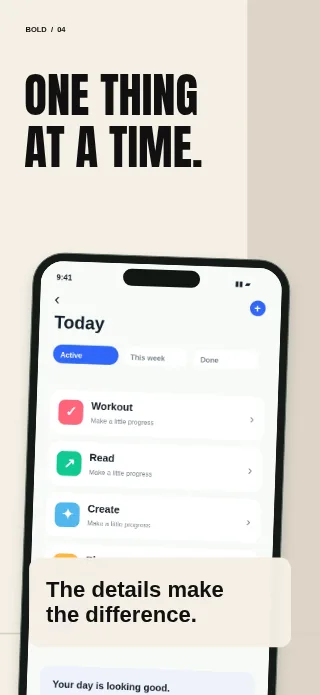
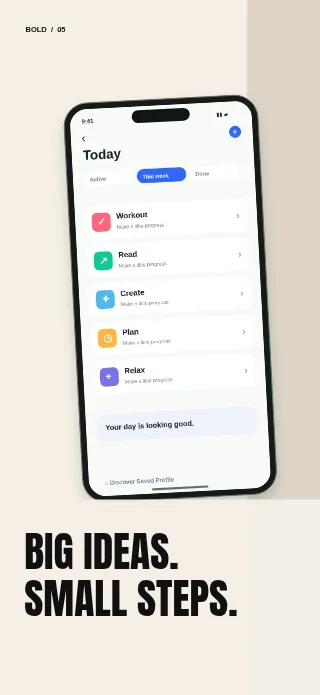
Oversized black type, warm paper and a crisp task-first interface.
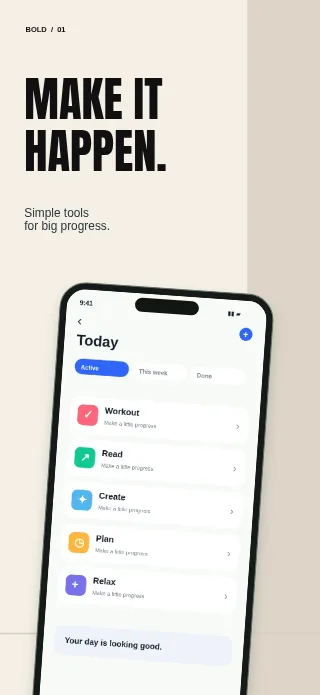
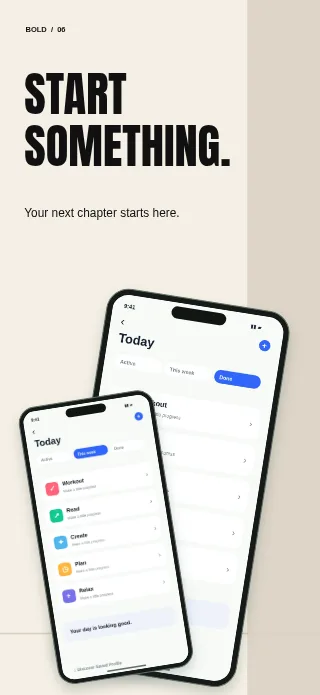
One buyer · Six pages · No subscription
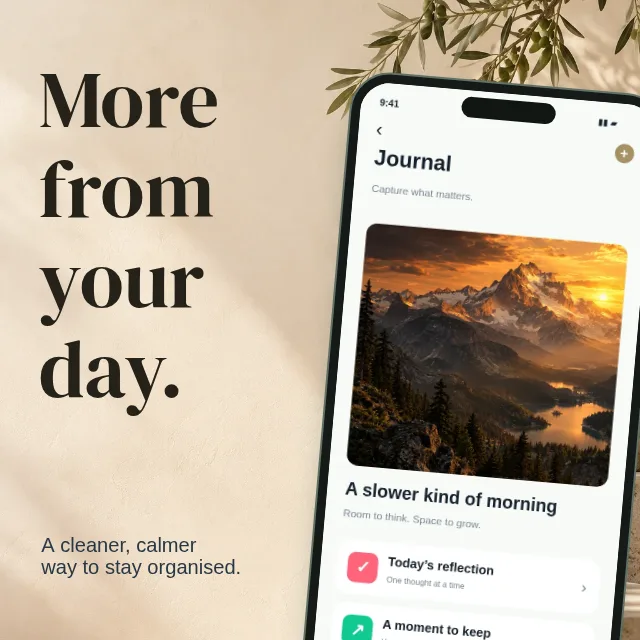
Sculptural stone, warm daylight and refined editorial serif typography.
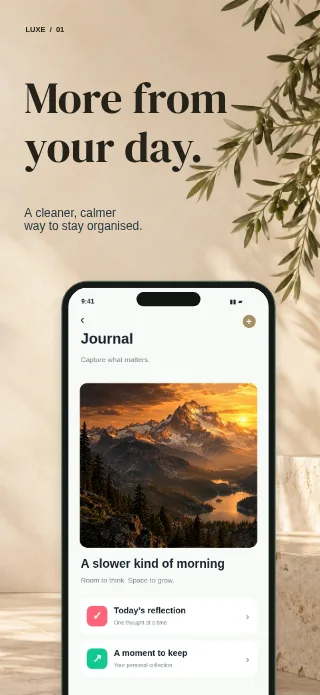
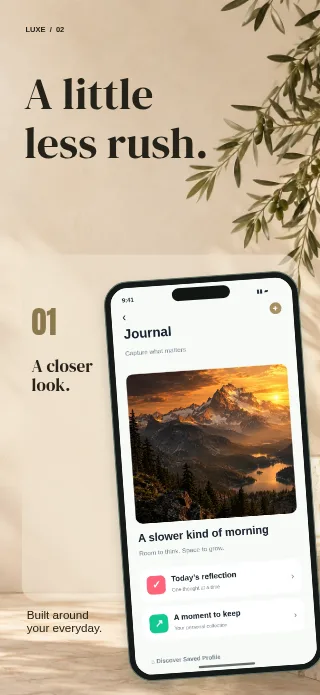
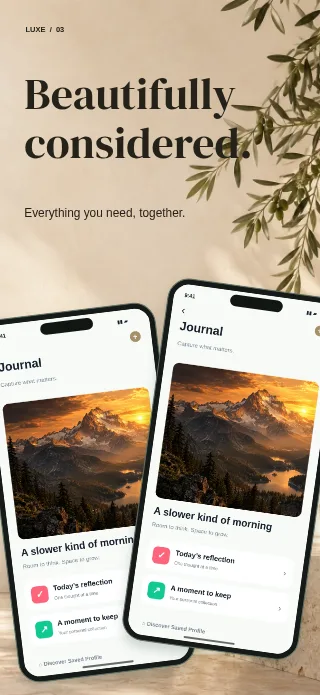
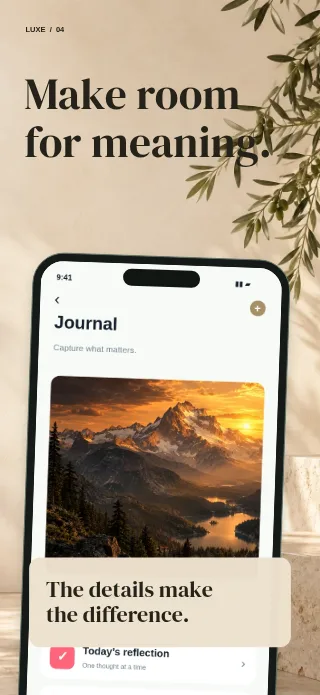
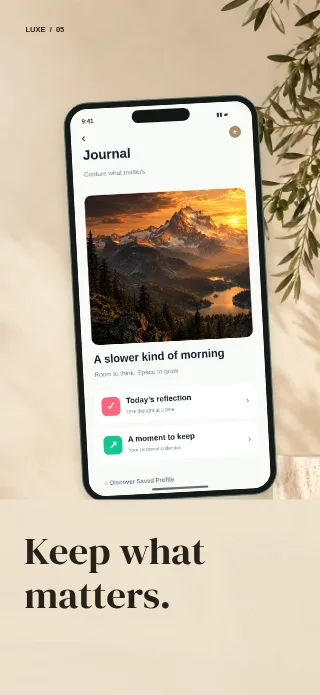
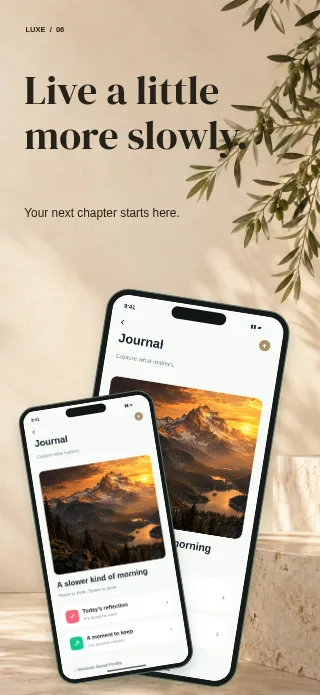
One buyer · Six pages · No subscription
Browse all 15 Deluxe designs →
Preview screens are fictional examples; replace them with your app. Standard and free collections are shared. Deluxe design licence and purchase terms.
Start with a screen capture that clearly shows your app’s main benefit. Choose a layout, add a short headline and adjust the details in the live editor. Working from a complete collection lets you spend more time explaining your product and less time lining up the same elements on every page. The time needed depends on your content and the changes you make.
Start with six coordinated pages or a blank canvas. Preview the full collection before buying.
Upload screenshots. Edit headlines, colours, device frames and backgrounds. Link repeated edits across formats.
Choose the store size. Download PNGs or a ZIP, and save an editable project backup for your next release.
A strong screenshot gives people one clear reason to explore your app. Use a device frame to make the interface easy to recognise, pair it with a short benefit-led headline, and choose a background that supports the content. Leave enough space for the screen itself: a striking layout is useful only if visitors can understand what the app does.
AppFramey lets you move, resize and rotate elements, adjust image crops, and build a consistent sequence across pages. Preview each result at a smaller size to check that the message is still readable. Use real screens from the device experience you are presenting, especially when preparing an iPad version.
Explore the iPhone screenshot generator →Store screenshot dimensions are measured in pixels, not the physical size of a device frame. Select a supported output preset in the editor to set the canvas width and height. AppFramey includes portrait and landscape options for iPhone and iPad, with separate layouts so you can review how text and images fit each format.
Export a single PNG, every page as individual PNGs, or a ZIP of the selected device version. PNG output has an opaque background without an alpha channel. Check the exported images before uploading: matching the dimensions does not replace Apple’s content review or guarantee App Store approval.
Check App Store screenshot sizes →You do not need to set up a general-purpose design document to prepare a store listing. AppFramey brings the screenshot canvas, device frames, text controls and export options together in your browser. Start with a free collection to see how the workflow fits your app, then customise it as much or as little as you need.
Linked editing carries headlines, colours and fonts across device versions while letting you keep individual screenshots and crops separate. Your projects stay on this device. Download an editable project backup for safekeeping; exported PNGs are finished images and do not replace that backup.
Create App Store screenshots →Launching on Android as well as iOS? Use the same visual direction while showing the actual Android experience. Switch to the appropriate Android category, review its dimensions and adapt the layout. A consistent message can connect your store listings without pretending that different platforms have identical interfaces or submission rules.
The editor includes Android phone, tablet and other supported categories. Wear OS stays independent for its app-only presentation. Review the relevant requirements before exporting instead of stretching an iPhone image to fit an unrelated screen shape.
Use the Google Play screenshot generator →The editor and five complete collections are free. A premium purchase unlocks one six-page collection for reuse in your own or client app marketing.
Your designs stay in your browser. No screenshot uploads to our servers. Download backups to keep your work safe.
An App Store screenshot generator turns captures of your app into a coordinated set of marketing images. AppFramey adds editable device frames, headlines, backgrounds and layouts around your screens. You can start from a template or a blank project, then export the finished images for your store listing. You supply the actual app screenshots; AppFramey does not capture your app for you.
The dimensions depend on the Apple display category. Accepted 6.9-inch iPhone portrait sizes include 1320 × 2868, 1290 × 2796 and 1260 × 2736 pixels. Landscape versions reverse those dimensions. iPad uses separate sizes. Choose the matching preset and check the App Store screenshot sizes guide before uploading; you do not need to submit every size in the editor.
Apple allows one to ten screenshots per screenshot set. Required sets depend on the devices your app supports. AppFramey collections start with six editable pages; you can reorder, duplicate or remove frames to tell your app’s story. Upload the final images to the appropriate device and language sections in App Store Connect.
Yes. The editor, blank projects and five complete template collections are free to use, including full-resolution PNG and ZIP exports. You do not need an account to start. Paid collections are optional and their price is shown before checkout. Your projects save in this browser, so download a project backup before clearing browser storage or changing devices.
Yes. AppFramey includes iPhone device frames and portrait and landscape output presets. Upload your iPhone app screens, adjust the crop inside each frame, and customise the surrounding headline and background. You can also prepare a separate iPad version, with linked text and styling to reduce repeated edits while keeping device-specific screenshots independent.
Yes. Choose an Android format and prepare screenshots for Google Play as well as the App Store. The editor includes Android phone and other device categories, dimension checks and PNG exports. Store requirements differ: for example, Wear OS needs app-only screenshots. Review the Google Play screenshot sizes guide and your selected device’s requirements before submitting.
Need a hand? Contact Decanus Ltd support.
No account. No subscription. Start with a complete template.