Google Play screenshot generator
Build a clear store listing for your Android app. Start with a coordinated template, choose the right device category, and export full-resolution screenshots.
Create screenshots freeFive free templates · Premium collections £3.99 each · No subscription
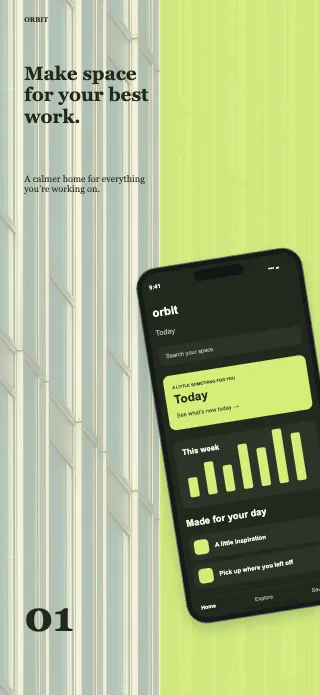
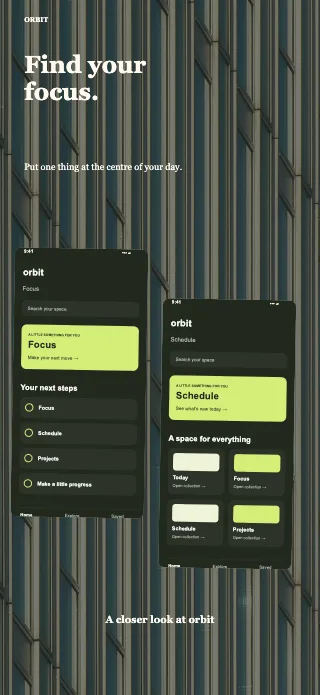
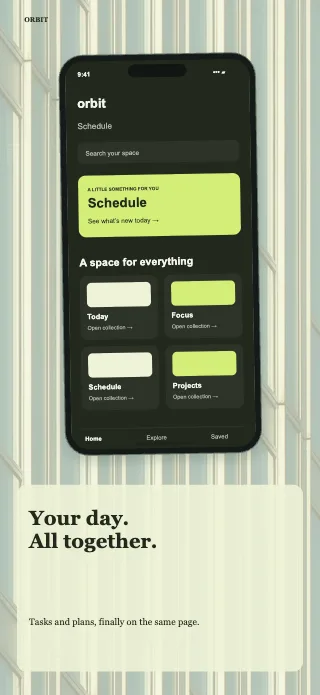
Example template artwork. Replace sample content with your actual Android app screenshots.
Choose the right Android format
Google Play accepts a range of image sizes, with different rules for phones, tablets, Chromebook, Wear OS, TV, Automotive and XR. Use category presets or enter custom dimensions; the editor checks supported size constraints.
See Google Play screenshot sizes →Edit a headline once
Linked edits carry text, colours and fonts across device versions. Keep screenshots and crops independent, or explicitly share them. Check each layout before export; Wear OS stays independent for its app-only presentation.
See the full workflow →What you can export
Download one image, all images or a ZIP of the current device format. PNGs contain RGB image data without an alpha channel. Your editable project can also be downloaded as a separate backup.
Try the actual editor free
Use five complete collections and the editor without an account. If another collection suits your app, £3.99 unlocks that collection for reuse. Your designs stay on your device.
Find your template ↗Make your app experience the focus
Use captured app screens and check Google Play’s content requirements as well as dimensions. Tablet listings should show the large-screen experience. Wear OS images must show only the app UI, without device mockups or promotional text.
Official Google Play requirements ↗