App Store screenshot generator
Turn your iPhone and iPad app screens into a coordinated App Store listing. Set your headlines, choose accepted dimensions and export your whole set.
Create screenshots freeFive free templates · Premium collections £3.99 each · No subscription
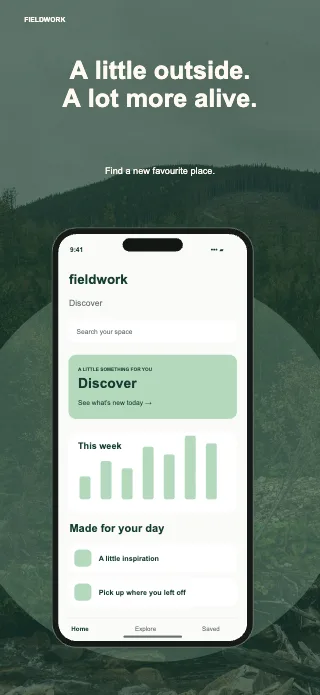
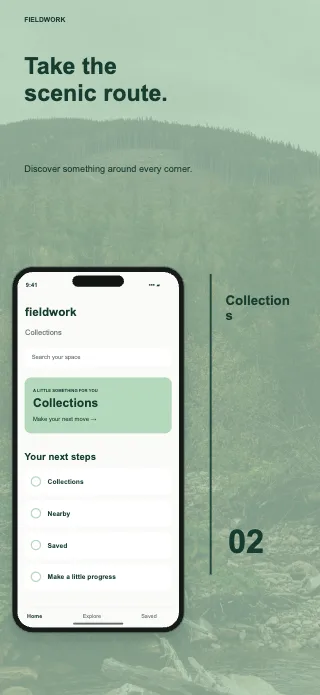
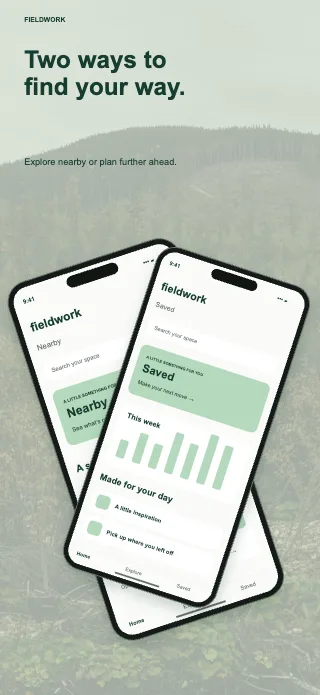
Example template artwork. Replace sample content with your actual iOS app screenshots.
Prepare every iPhone and iPad format
The editor includes 32 currently accepted iPhone dimensions, plus iPad sizes, with portrait and landscape presets. Choose the output in the editor rather than manually calculating canvas dimensions.
See App Store screenshot sizes →Edit a headline once
Linked edits carry text, colours and fonts across device versions. Keep screenshots and crops independent, or explicitly share them. Check each layout before export; Wear OS stays independent for its app-only presentation.
See the full workflow →What you can export
Download one image, all images or a ZIP of the current device format. PNGs contain RGB image data without an alpha channel. Your editable project can also be downloaded as a separate backup.
Try the actual editor free
Use five complete collections and the editor without an account. If another collection suits your app, £3.99 unlocks that collection for reuse. Your designs stay on your device.
Find your template ↗Prepare screenshots for App Store Connect
Use screenshots that accurately show your app, upload the right device versions and check every exported headline and crop. Apple may scale larger screenshots for smaller display categories; you do not always need to submit every preset.
Official App Store requirements ↗